Examples
Reading a LAZ file
This will read only the point classified as “2” or “6”, and thin them randomly by a factor 10 (1/10 points will be picked, randomly selected).
import startinpy

dt = startinpy.DT()
dt.read_las("/home/elvis/myfile.laz", classification=[2,6], thinning=10)
print("# vertices:", dt.number_of_vertices())
Exporting the DT to GeoJSON
import startinpy
import numpy as np

#-- generate 100 points randomly in the plane
rng = np.random.default_rng(seed=42)
pts = rng.random((100, 3))
dt = startinpy.DT()
dt.insert(pts, insertionstrategy="AsIs")
dt.write_geojson("/home/elvis/myfile.geojson")
Reading a GeoTIFF file with rasterio
We can use rasterio to read a GeoTIFF and triangulate the centre of the pixels/cells directly. Notice that retrieving the (x,y)-coordinates of the centres with the xy() function of rasterio is super slow and it’s better to use the code below.
Notice that we use the insertion strategy “BBox” because it is several orders of magnitude faster for gridded datasets.
The no_data values are not inserted in the triangulation.
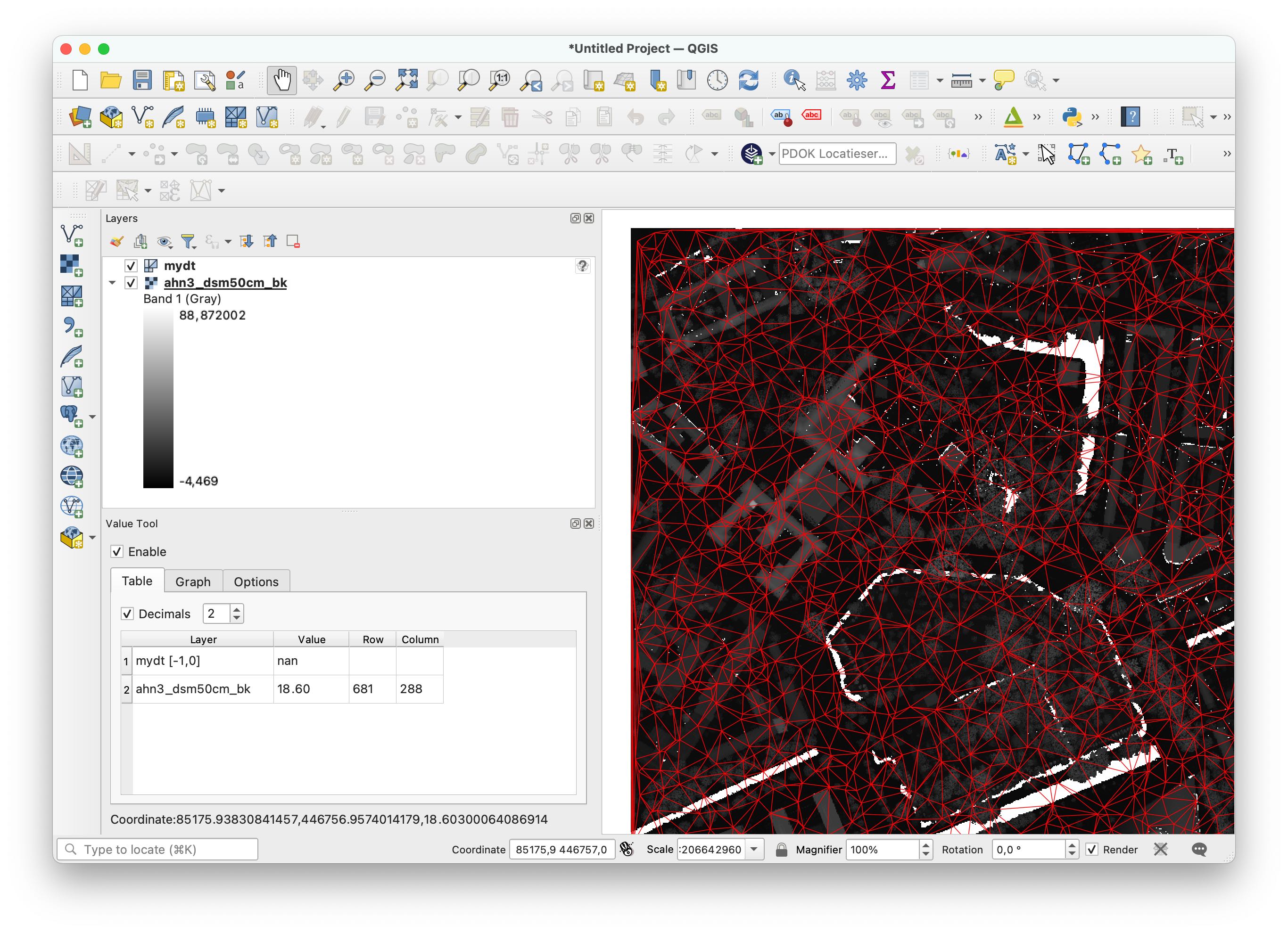
This code saves the resulting triangulation to a PLY file that can be opened directly in QGIS (with the newish MDAL mesh).
import startinpy
import rasterio
import random

d = rasterio.open('mydem.tif')
band1 = d.read(1)
t = d.transform
pts = []
for i in range(band1.shape[0]):
    for j in range(band1.shape[1]):
         x = t[2] + (j * t[0]) + (t[0] / 2)
         y = t[5] + (i * t[4]) + (t[4] / 2)
         z = band1[i][j]
         if (z != d.nodatavals) and (random.randint(0, 100) == 5):
             pts.append([x, y, z])
dt = startinpy.DT()
dt.insert(pts, insertionstrategy="BBox")
#-- exaggerate the elevation by a factor 2.0
dt.vertical_exaggeration(2.0)
dt.write_ply("mydt.ply")
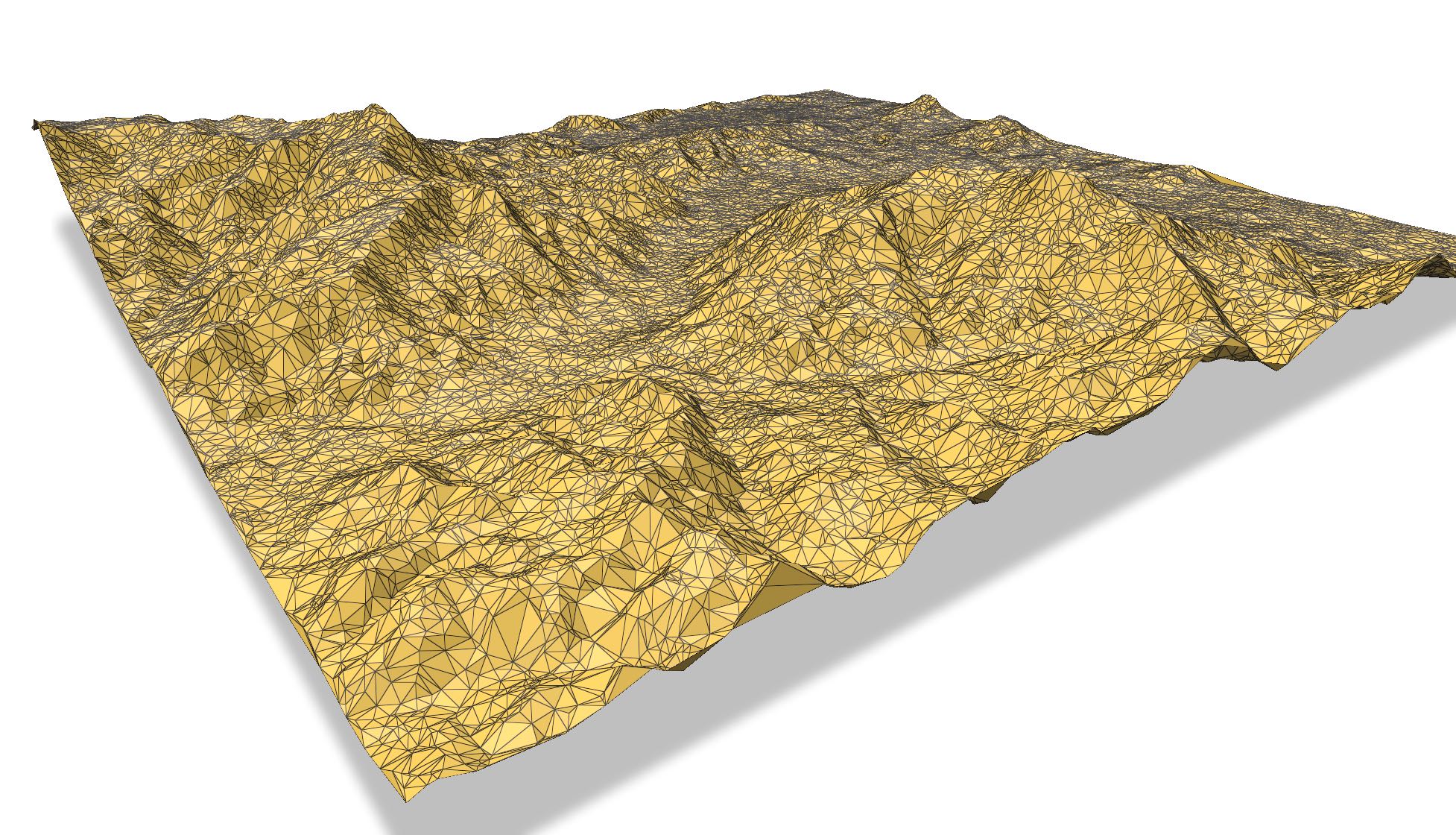
3D visualisation with Polyscope
You need to install Polyscope (basically pip install polyscope).
import startinpy
import numpy as np
import polyscope as ps

dt = startinpy.DT()
dt.read_las("/home/elvis/myfile.laz", classification=[2,6])

pts = dt.points
pts[0] = pts[1] #-- first vertex has -99999 and messes up the viz
trs = dt.triangles

ps.init()
ps.set_program_name("mydt")
ps.set_up_dir("z_up")
ps.set_ground_plane_mode("shadow_only")
ps.set_ground_plane_height_factor(0.01, is_relative=True)
ps.set_autocenter_structures(True)
ps.set_autoscale_structures(True)
ps.register_point_cloud("mypoints", pts[1:], radius=0.0015, point_render_mode='sphere')
ps_mesh = ps.register_surface_mesh("mysurface", pts, trs)
ps.show()
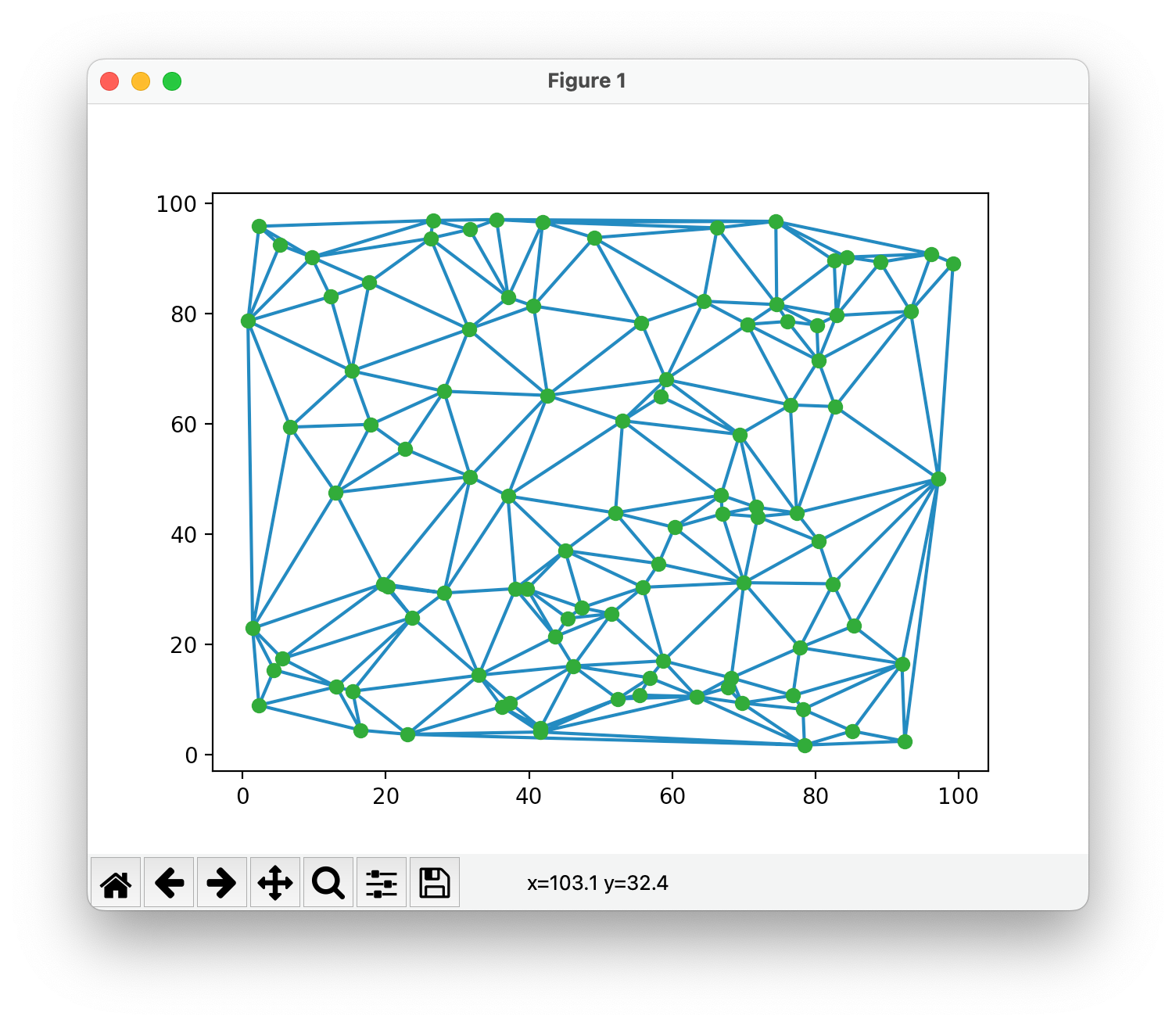
Plotting the DT with matplotlib
import startinpy
import numpy as np

#-- generate 100 points randomly in the plane
rng = np.random.default_rng(seed=42)
pts = rng.random((100, 3))
#-- scale to [0, 100]
pts = pts * 100
t = startinpy.DT()
t.insert(pts)
pts = t.points
trs = t.triangles
#-- plot
import matplotlib.pyplot as plt
plt.triplot(pts[:,0], pts[:,1], trs)
#-- the vertex "0" shouldn't be plotted, so start at 1
plt.plot(pts[1:,0], pts[1:,1], 'o')
plt.show()